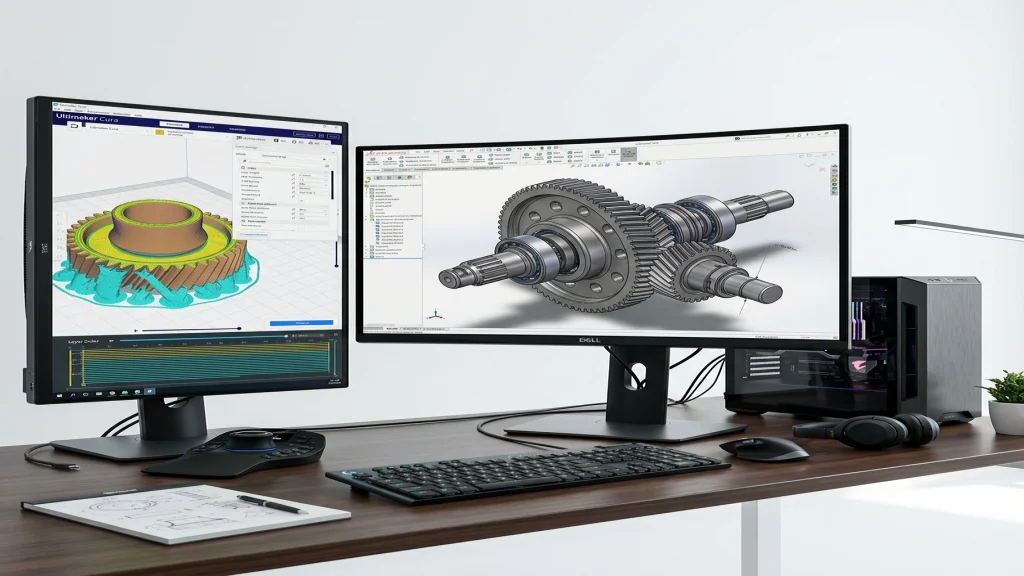
The Progression of Spatial Design Software
Learning 3D computer-aided design requires progressive cognitive scaffolding. Rushing an 11-year-old into professional CAD interfaces like Fusion 360 or SolidWorks often leads to frustration with constraint errors and complex toolbars.
Stage 1: Spatial Familiarity with Tinkercad
Tinkercad treats 3D design like building with digital LEGO blocks. By combining solid shapes and hole shapes, young students quickly grasp scale, alignment, grouping, and coordinate space without worrying about sketch planes or tangent constraints.
Stage 2: Parametric Constraint Design in Fusion 360
Once students understand spatial geometry, they advance to sketch-based parametric modeling. Here, designs begin as 2D profile sketches constrained by geometric relations (horizontal, vertical, concentric, tangent) and dimension equations.
Real World Impact: Custom Drone Motor Mounts
Rather than downloading generic 3D files from the web, advanced students design custom motor vibration dampeners tailored to their drone arms, testing tolerances down to 0.2mm precision.